The Ultimate WordPress SEO Checklist for Beginners
The Fundamentals of On-Page SEO: A 12-Point Checklist for Every Post
Jan
The Fundamentals of On-Page SEO: A 12-Point Checklist for Every Post
The Indispensable Foundation: Why On-Page SEO Demands Your Attention
Ignoring the intricate details of on-page optimization is no longer an option; it’s a critical oversight that can cripple your digital growth. Understanding its profound impact is the first step toward harnessing its power.
Defining On-Page SEO: The Levers You Control
On-Page SEO encompasses all optimization efforts applied directly to the content and HTML source code of a page. Unlike off-page factors like backlinks, these are elements entirely within your operational purview. Think of it as fine-tuning your website’s internal machinery to perform optimally for both search engine crawlers and human visitors. This includes text, images, internal links, meta data, and structured data, all working in concert to signal relevance and quality.
The Compounding Impact on Rankings, Engagement, and Authority
The relationship between meticulous on-page SEO and your site’s overall performance is profoundly synergistic. When pages are well-optimized:
- Improved Rankings: Search engines can more accurately understand your content’s topic and intent, leading to higher positions in Search Engine Results Pages (SERPs).
- Enhanced User Engagement: Better structured, keyword-relevant, and mobile-friendly content keeps visitors on your site longer, reducing bounce rates and increasing time on page.
- Boosted Site Authority: Consistent delivery of high-quality, technically sound content signals to search engines that your site is a reliable and authoritative source within your niche.
This compounding effect creates a positive feedback loop, solidifying your digital presence. Organic search drives over **53%** of all website traffic, underscoring the vital role of on-page optimization.
The Cost of Neglect: Avoiding Critical Digital Strategy Errors
In today’s competitive landscape, neglecting on-page SEO is akin to building a house on sand. Without a strong foundation, even the most brilliant content or extensive marketing campaigns will struggle to gain traction. Common pitfalls include:
- invisibility: Content simply won’t appear for relevant searches.
- Poor User Experience: Slow pages, irrelevant results, and difficult navigation frustrate users, leading to high bounce rates and diminished trust.
- Wasted Resources: Time and money invested in content creation become less effective without proper optimization to amplify their reach.
By proactively addressing on-page factors, you safeguard your digital investments and ensure every piece of content works towards your strategic goals.
Crafting Your Digital Blueprint: Keyword, Title, and URL Optimization
The initial steps in on-page SEO involve laying down the essential framework that communicates your content’s core purpose to both search engines and potential visitors.

Point 1: Precision Keyword Research & Intent Alignment
Keyword research isn’t a one-time task; it’s an ongoing discovery process. It’s the cornerstone of ensuring your content resonates with what your audience is actively seeking.
Unearthing Primary, Secondary, and Long-Tail Gems
Begin by identifying your **primary keyword** – the main topic your post addresses. Expand this with **secondary keywords** (related terms) and **long-tail keywords** (specific, often question-based phrases with lower search volume but higher conversion intent). Tools like Google Keyword Planner, Ahrefs, Semrush, or even Google’s “People Also Ask” section are indispensable for this phase. Aim for a healthy mix to capture diverse search queries.
Decoding User Search Intent: The Core of Relevance
Understanding *why* a user performs a search is paramount. Is their intent:
- Informational: “How to fix a WordPress white screen?”
- Navigational: “DebugPress login”
- Commercial Investigation: “Best WordPress SEO plugins 2026”
- Transactional: “Buy WordPress hosting”
Your content must align perfectly with this intent. A post targeting “how-to” queries should provide a clear, step-by-step guide, not a sales pitch. Posts optimized for user intent see a **50%** higher average ranking position than those without.
Strategic Keyword Integration: Flow Over Force
Keywords should be integrated naturally throughout your content, title tag, meta description, URL, and subheadings. Avoid “keyword stuffing,” which can lead to penalties and a poor user experience. Focus on natural language processing (NLP) and semantic SEO, where related concepts and synonyms are recognized by search engines as relevant to your primary topic.
Point 2: Architecting Compelling Title Tags
Your title tag is often the first interaction a user has with your content in the SERPs. It’s your digital storefront’s marquee.
The Art of Unique, Keyword-Rich, and Clickable Titles
Every post must have a unique title tag that includes your primary keyword, ideally near the beginning. But don’t stop there. Make it enticing! It should clearly communicate the value or solution your post offers. Think of it as a mini-advertisement for your content.
Character Limits: The Unspoken Rule of Visibility
Adhere to approximate character limits (typically **50-60 characters** or around 600 pixels) to prevent your title from being truncated in search results. A truncated title can obscure crucial information or a compelling call-to-action, reducing its effectiveness.
Power Words and Emotional Triggers: Elevating CTR
Incorporate “power words” (e.g., “Ultimate,” “Complete,” “Secrets,” “Guide,” “Proven”) and emotional triggers to spark curiosity and urgency. Examples include “The Ultimate 12-Point On-Page SEO Checklist” or “Unlock Top Rankings: Your Definitive On-Page SEO Guide.” A higher Click-Through Rate (CTR) signals relevance to search engines, potentially boosting rankings.
Point 3: Engineering Engaging Meta Descriptions
While not a direct ranking factor, a well-crafted meta description significantly influences whether users click on your result or a competitor’s.
The Search Snippet’s Promise: Summarizing Value with Keywords
Your meta description should be a concise, accurate summary of your content, incorporating your primary and relevant secondary keywords. It’s your opportunity to expand on the title tag, providing a clear value proposition and enticing users to learn more.
The Call to Action within the Snippet
Don’t be afraid to include a soft Call-to-Action (CTA) within your meta description, such as “Learn how,” “Discover the secrets,” or “Get the checklist.” This subtle prompt encourages engagement and higher CTR.
Maximizing Display: Character Discipline
Keep your meta descriptions within approximately **150-160 characters** to ensure they display fully across most devices. Longer descriptions risk truncation, losing part of your compelling message.
Point 4: Structuring Evergreen URLs (Slugs)
Your URL is a direct identifier for your content. It should be clean, logical, and informative.
Concise, Descriptive, and Keyword-Inclusive URL Creation
Create URLs that are short, easy to understand, and include your primary keyword. For this article, a good URL slug might be /on-page-seo-checklist/ or /12-point-on-page-seo-guide/.
Hyphens, Stop Words, and Readability
Always use hyphens (-) to separate words in your URL for readability and to signal individual terms to search engines. Avoid underscores (_) and unnecessary “stop words” (e.g., “a,” “the,” “is”) unless they are crucial for understanding. Keep it clean and direct.
Reflecting Content Hierarchy and Future-Proofing
Ensure your URLs reflect your site’s content hierarchy (e.g., /category/post-title/) where appropriate. Strive for “evergreen” URLs that won’t need to change, even if the content itself is updated. This avoids broken links and the need for frequent 301 redirects.
Content Excellence & Structural Integrity: The Heart of On-Page SEO
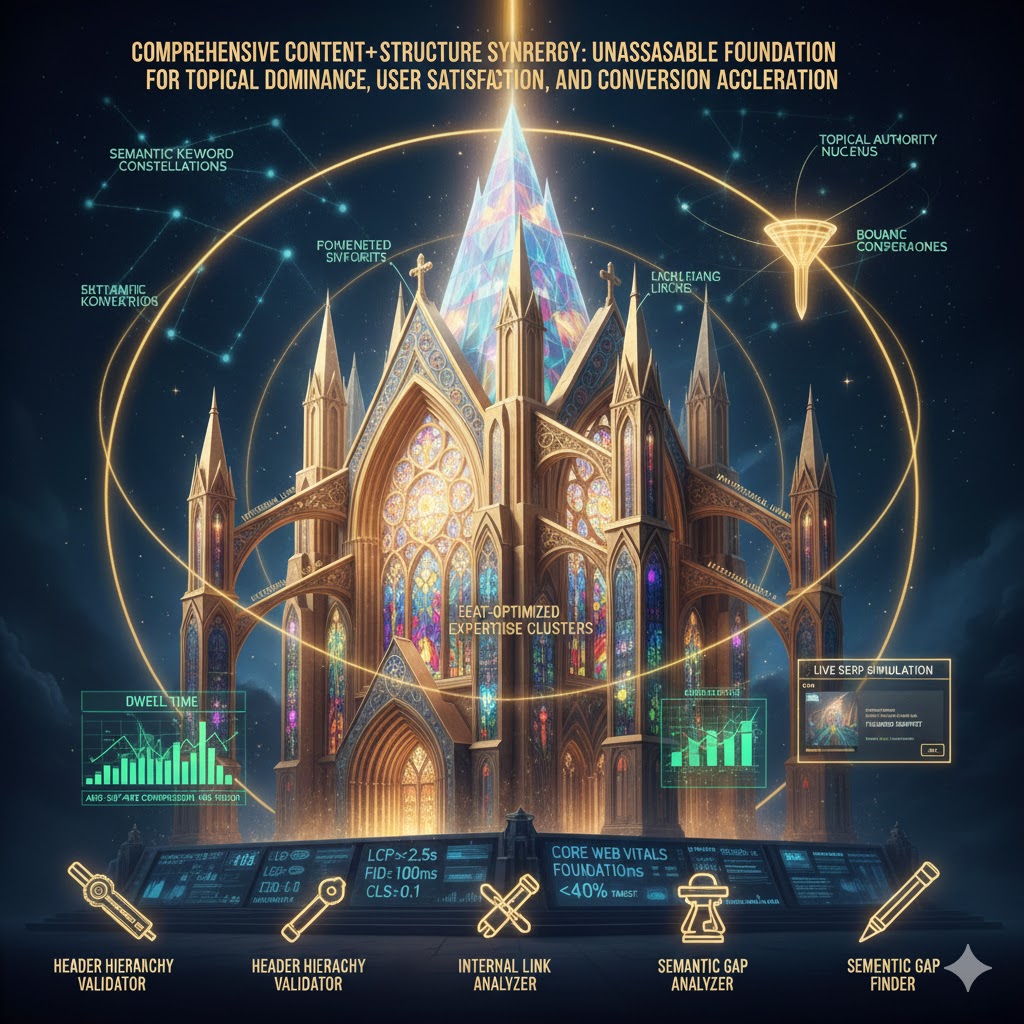
Once the foundational elements are in place, the core of your on-page optimization shifts to the content itself – how it’s written, structured, and presented.
Point 5: Mastering the Main Heading (H1)
The H1 tag is arguably the most important on-page heading, signaling the primary topic of your content to both users and search engines.
The Singular H1 Rule: Mirroring Your Title and Core Keyword
A fundamental best practice is to use only **one H1 tag per page**. This H1 should closely mirror your page’s title tag and prominently feature your primary keyword. Think of it as the headline of your article within the page itself.
Clarity, Conciseness, and Core Topic Relevance
Your H1 must be clear, concise, and immediately convey the core topic of the page. It confirms to the user that they’ve landed on the right content and provides a strong topical signal to search engine crawlers.
Point 6: Developing Strategic, High-Value Content
Content is king, but only if it’s high-quality, relevant, and genuinely helpful to your audience.
Quality, Depth, and Uniqueness: Solving User Problems
Create content that is in-depth, well-researched, and unique. It should comprehensively answer user questions and solve their problems. Avoid thin, superficial content. For technical topics like SEO, this means providing actionable steps and insights, not just theory. Long-form content (over 2,000 words) typically generates 77% more backlinks than shorter articles.
Beyond Keywords: LSI and Natural Language Integration
While primary keywords are vital, modern SEO emphasizes Latent Semantic Indexing (LSI) keywords and natural language processing. This means using synonyms and semantically related terms that Google associates with your main topic. For example, a post about “car repair” might also include terms like “mechanic,” “engine,” “auto service,” and “vehicle maintenance.” This demonstrates comprehensive coverage of the topic.
E-A-T: Building Trust and Authority
Google’s E-A-T guidelines (Expertise, Authoritativeness, Trustworthiness) are more crucial than ever. Ensure your content is accurate, fact-checked, and written by, or attributed to, experts. Clearly cite sources, provide credentials, and maintain a professional tone to build credibility with both users and search engines.
Point 7: Leveraging Effective Subheadings (H2, H3, H4) Usage
Subheadings are essential for readability, scannability, and content organization, benefiting both users and crawlers.
Enhancing Readability and Scannability
Break up large blocks of text with H2, H3, and H4 tags. This makes your content much easier to read and allows users to quickly scan for sections most relevant to their needs. A well-structured article improves user experience significantly.
Strategic Secondary Keyword Placement
Integrate secondary and long-tail keywords naturally into your subheadings. This reinforces your content’s topical relevance to search engines without feeling forced. For instance, an H2 might be “Implementing Schema Markup for Enhanced Visibility,” with an H3 “Understanding Schema.org Types for WordPress.”
Guiding Users and Search Engines Through Your Narrative
Subheadings create a logical flow, guiding users through your article’s arguments and information. For search engines, they provide a clear hierarchical structure, helping crawlers understand the main points and subtopics covered within your content.
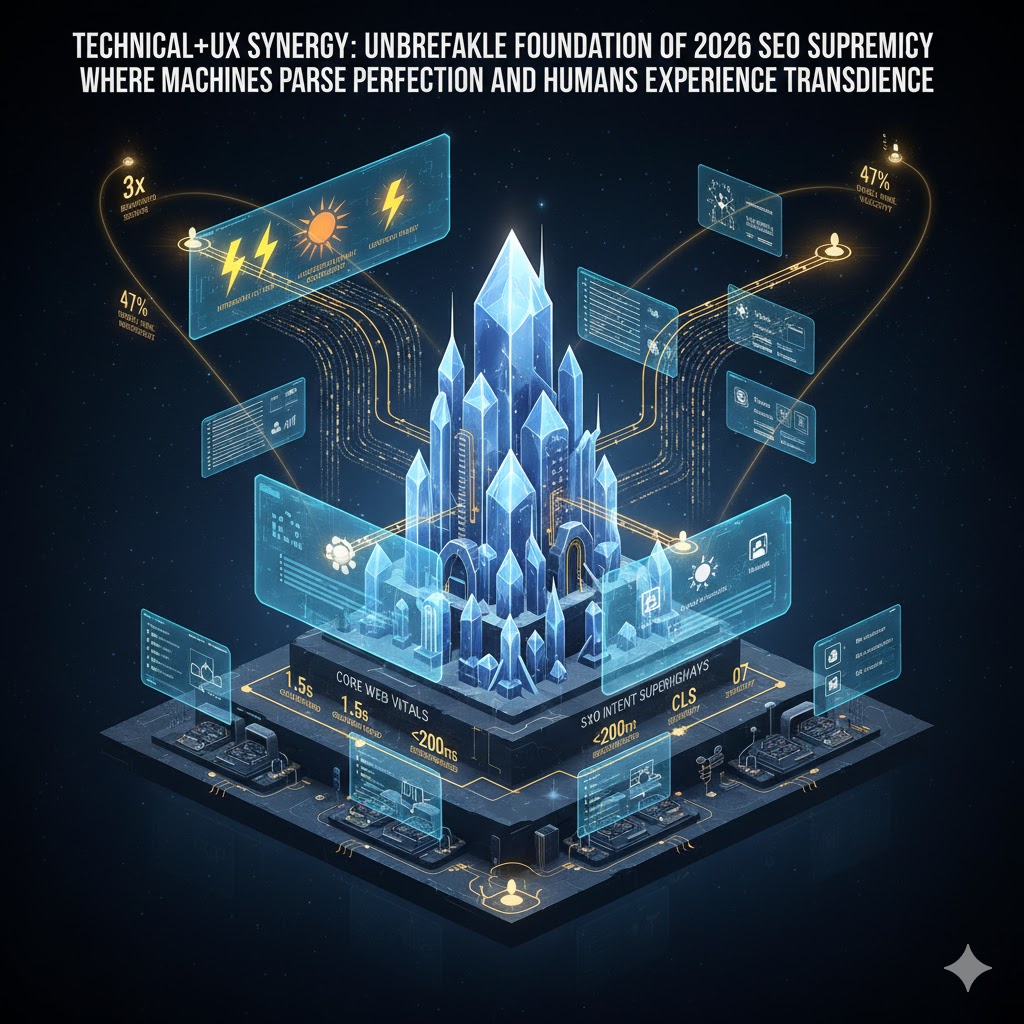
Technical Finesse & User Experience: The Modern SEO Imperative
Beyond content, technical elements and user experience considerations are non-negotiable for achieving and maintaining top rankings.
Point 8: Image Optimization & Accessibility
Images enrich content, but if not optimized, they can hinder performance and accessibility.
Descriptive Filenames and Alt Text with Relevant Keywords
Always use descriptive filenames for your images (e.g., on-page-seo-checklist.jpg instead of IMG001.jpg). More importantly, provide accurate, keyword-rich **alt text**. Alt text describes the image for visually impaired users and search engine crawlers, which cannot “see” images. This improves accessibility and provides another opportunity for keyword relevance.
Performance vs. Quality: Image Compression Best Practices
Large image files significantly slow down page load times, which is a critical ranking factor and a major cause of user abandonment. Compress images using tools like TinyPNG, ShortPixel, or Imagify before uploading them to your WordPress site. Choose appropriate formats (e.g., WebP, JPEG for photos, PNG for graphics with transparency) to balance quality and file size. A 1-second delay in page load time can lead to a 7% reduction in conversions and an 11% drop in page views.
Visual Storytelling and User Understanding
Images should not just be decorative; they should enhance understanding, break up text, and improve the overall user experience. Use relevant charts, graphs, and screenshots to illustrate complex points or guide users through processes.
Point 9: Crafting a Robust Internal Linking Strategy
Internal links are vital for distributing link equity, improving user navigation, and signaling content relationships to search engines.
Connecting the Dots: Relevant Links and Anchor Text
Link to other relevant pages within your own website using descriptive **anchor text** (the clickable text of the link). Instead of “click here,” use anchor text that describes the destination page, such as “learn more about advanced keyword research.”
Distributing Page Authority and Enhancing Navigation
Internal links help spread “link juice” (page authority) throughout your site, boosting the ranking potential of deep pages. They also make it easier for users to discover related content, increasing time on site and reducing bounce rates. Aim for a logical, navigable structure.
Building Topical Authority with Content Hubs
Develop content hubs (pillar pages) that link out to more detailed “spoke” articles. This architecture clearly communicates your site’s topical authority to search engines and provides users with a comprehensive resource on a given subject.
Point 10: Strategic External Linking (Outbound) to Authority Sites
Linking out to other reputable websites might seem counterintuitive, but it’s a critical trust signal.
Credibility, Context, and Thorough Research
Link to high-quality, authoritative external sources (e.g., Google, government sites, reputable industry leaders) when citing statistics, definitions, or further reading. This adds credibility to your content, demonstrates thorough research, and provides additional context for your readers.
Retaining Traffic: The New Tab Imperative
Always ensure external links open in a new tab (using target="_blank"). This allows users to explore the external resource without navigating away from your website, helping to retain your site traffic.
Becoming a Trusted Resource
By curating a list of helpful, authoritative external resources, you position your own site as a trusted hub of information within your niche.
Point 11: Prioritizing Mobile Responsiveness & User Experience (UX)
With Google’s mobile-first indexing, a flawless mobile experience is no longer optional—it’s foundational.
Mobile-First Indexing: A Non-Negotiable Standard
Google predominantly uses the mobile version of your content for indexing and ranking. This means your website absolutely must display and function perfectly on all devices, from smartphones to tablets. Over **70%** of global web traffic originates from mobile devices, making mobile-friendliness a non-negotiable ranking factor.
Speed, Intuition, and Universal Access
Prioritize fast loading speeds on mobile, intuitive navigation (e.g., clear menus, touch-friendly elements), and easily readable text without excessive zooming. Test your site’s mobile-friendliness regularly using Google’s Mobile-Friendly Test tool and Core Web Vitals reports in Search Console.
Impact on Rankings and User Retention
A poor mobile experience leads to high bounce rates, negative user signals, and ultimately, degraded search rankings. Conversely, an optimized mobile experience enhances user satisfaction, encourages longer visits, and positively impacts your SEO.
Point 12: Schema Markup Implementation
Schema markup is structured data that helps search engines understand the context and meaning of your content more deeply.
Structured Data: Giving Context to Search Engines
Implement Schema.org markup (e.g., Article, FAQPage, HowTo, Product, Review) to provide explicit context about your content. This involves adding specific code snippets (JSON-LD is recommended) to your HTML. While not a direct ranking factor, it significantly aids search engines in interpreting your page.
Rich Snippets: Elevating Your SERP Presence
Correct Schema implementation can enable “rich snippets” in search results, such as star ratings, images, FAQs, or event dates. These visually enhanced results stand out in the SERPs, leading to higher click-through rates, even if your ranking position isn’t #1.
Demystifying Content for AI-Driven Search
As search engines become more sophisticated and AI-driven, structured data plays an increasingly crucial role in helping algorithms understand nuanced content, extract facts, and provide more accurate answers in featured snippets and generative AI search results.
Beyond the Checklist: The Journey of Continuous On-Page Optimization
On-page SEO is not a static task; it’s an ongoing commitment to excellence and adaptation.
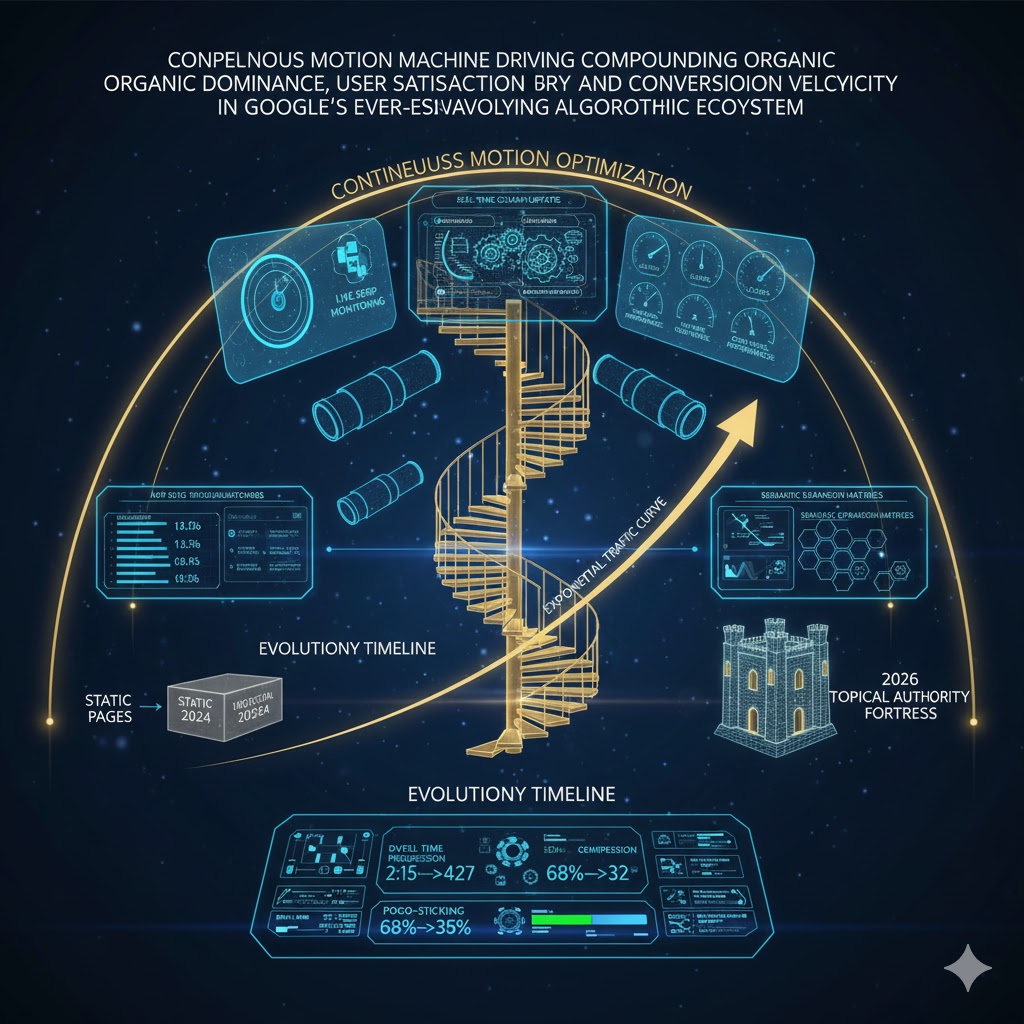
Data-Driven Decisions: Monitoring Performance with Analytics
Regularly monitor your content’s performance using tools like Google Analytics and Google Search Console. Track key metrics such as organic traffic, keyword rankings, CTR, bounce rate, and average session duration. These insights reveal what’s working and what needs improvement.
Navigating the Ever-Evolving Algorithm Landscape
Search engine algorithms are constantly updated. Stay informed about major algorithm changes (e.g., Core Updates) and adapt your strategies accordingly. What works today might need refinement tomorrow. DebugPress.com stays on top of these changes to bring you the latest best practices.
Iterative Improvement: User Feedback and A/B Testing
Leverage user feedback, heatmaps, and A/B testing to make iterative improvements. Experiment with different title tags, meta descriptions, content layouts, and CTAs to optimize for both search engine visibility and user engagement. Continuous testing is the hallmark of truly effective SEO.
Specific Examples of Natural Keyword Integration
Placement is about more than just “mentioning” a word; it’s about context. Below are three high-impact areas where specific integration makes the difference between a post that ranks and one that feels like “spam.”
1. The “Front-Loaded” Headline
Google gives more weight to keywords at the beginning of your title tags.
- ❌ Weak: How to Make Your Garden Look Better Using Organic Fertilizer
- ✅ Optimized: Organic Fertilizer Guide: 5 Ways to Transform Your Garden
2. The “Hook” Integration
Your primary keyword should appear in the first paragraph to immediately signal relevancy to search crawlers.
3. Using LSI (Latent Semantic Indexing) Keywords
To avoid “Keyword Stuffing,” use related terms that Google associates with your main topic. This builds “Topical Authority.”
| Primary Keyword | Semantic Variations (Integrate These!) |
|---|---|
| WordPress SEO | Search rankings, permalink structure, Yoast plugin, sitemaps, meta descriptions. |
| Healthy Meal Prep | Nutritious cooking, batch prepping, calorie counting, food storage containers, grocery list. |
💡 PRO TIP: Use your keyword in the Alt Text of your featured image. It helps with Image Search and accessibility simultaneously!
Conclusion: The Enduring Power of Meticulous On-Page SEO
In a digital world overflowing with content, simply publishing isn’t enough. Meticulous on-page SEO is the differentiator, the mechanism by which your valuable content rises above the noise, connects with your target audience, and drives tangible results. By embracing this 12-point checklist for every post, you’re not just optimizing for algorithms; you’re building a foundation of quality, relevance, and superior user experience that will stand the test of time and algorithm updates. For any WordPress professional, developer, or digital marketer, mastering these fundamentals is not merely a recommendation—it is a definitive requirement for sustained online success well into late 2025 and beyond.